
Your whole-home Wi-Fi isn’t just about fast internet; it also impacts your home’s comfort and style. Properly integrated, sleek devices can blend seamlessly into your decor, keeping clutter out of sight. Smart placement ensures strong connectivity without sacrificing aesthetics or causing dead zones. When your Wi-Fi setup matches your interior design, it creates a harmonious and inviting space. Curious how to attain this balance? Keep exploring to discover how technology can elevate your home’s atmosphere.
Key Takeaways
- Aesthetically pleasing Wi-Fi setups enhance overall interior harmony and prevent visual clutter.
- Proper device placement ensures strong signals without disrupting interior design.
- Modern mesh systems offer discreet, visually appealing components that blend seamlessly into decor.
- Reliable connectivity reduces frustration, supporting a comfortable and stress-free home environment.
- Integrating Wi-Fi seamlessly into interior design transforms technology into a cohesive aesthetic element.
In today’s connected world, having reliable Wi-Fi throughout your home is no longer just about convenience—it’s about comfort. When your internet connection falters or drops in certain areas, it can disrupt your daily routines and even affect your mood. But beyond functionality, whole-home Wi-Fi plays a significant role in how your space feels and looks. It’s not just about plugging in routers or extenders; it’s about ensuring that your network setup seamlessly integrates into your interior design. When you think about aesthetic integration, you realize that unsightly devices and tangled cords can clash with the style you’ve carefully curated. A clean, cohesive look matters just as much as strong connectivity, especially in open-plan living spaces or minimalist interiors.
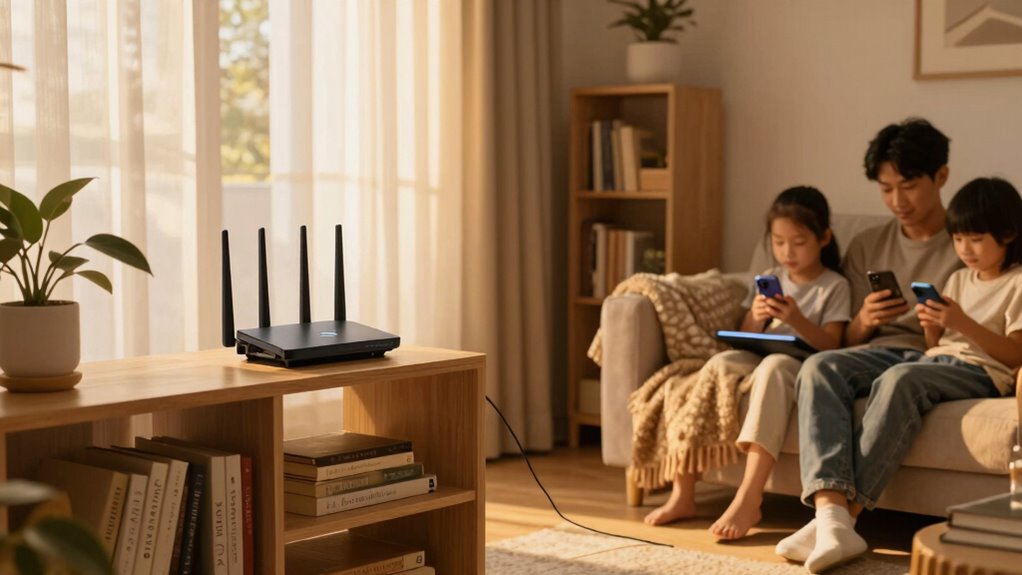
Aesthetic Wi-Fi solutions seamlessly blend into your decor, combining style with reliable connectivity for a cohesive home.
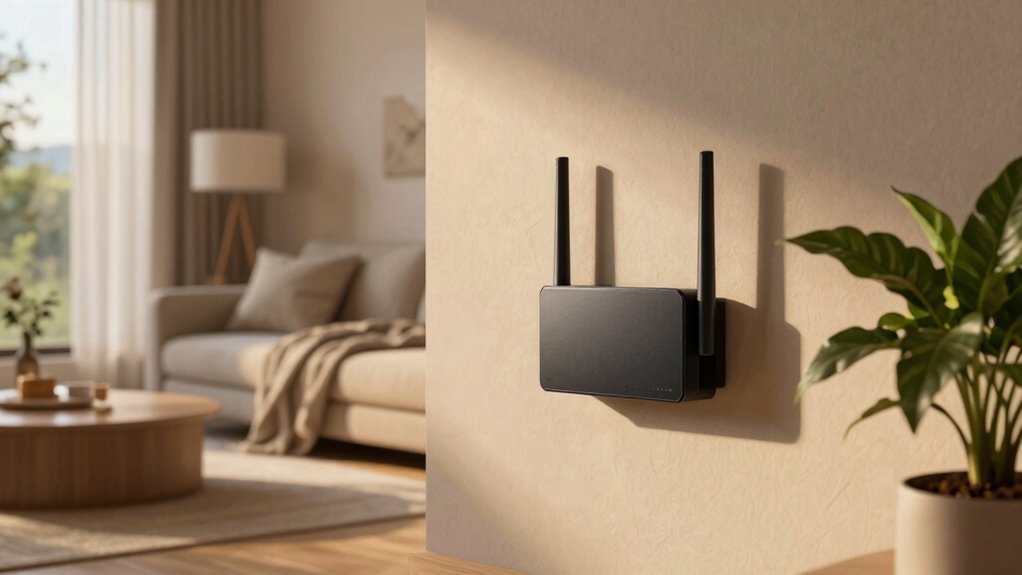
You might be tempted to hide your Wi-Fi equipment behind furniture or in less visible corners, but doing so can lead to weak signals and dead zones. Instead, proactive placement and sleek, modern devices help maintain both the aesthetic and the function of your space. Many modern mesh systems come with visually appealing components that blend into your decor rather than stand out as tech clutter. When your Wi-Fi setup complements your interior design, it contributes to the overall aesthetic harmony of your home. Whether you prefer a contemporary, rustic, or eclectic style, there are solutions that prioritize both form and function.
Furthermore, understanding the role of home networking equipment in your environment can help you make smarter choices about placement and design. Proper device placement not only enhances the aesthetic appeal but also optimizes signal strength and coverage. It’s also important to consider how wireless technology evolves, allowing for more discreet and integrated solutions that suit various interior styles. Additionally, staying informed about current wireless standards can help you select equipment that is both future-proof and visually unobtrusive. Recognizing the importance of signal strength and coverage can guide you in creating a seamless and comfortable living space. Moreover, the physical placement of your Wi-Fi equipment impacts more than just aesthetics. It influences the quality of your connection, which affects your comfort and productivity. If your network is inconsistent, you might find yourself frustrated, trying to work or relax without reliable internet. That frustration can seep into your mood and your overall sense of well-being. Installing a whole-home Wi-Fi system that’s thoughtfully integrated into your interior design means you don’t have to compromise style for performance. You can enjoy a sleek, unobtrusive setup that provides robust coverage and enhances the look of your space.
Ultimately, the goal is to create a home environment that feels seamless and inviting—where technology doesn’t disrupt the flow but instead supports your lifestyle. Whole-home Wi-Fi, when chosen with aesthetic and practical considerations in mind, becomes an extension of your interior design. It’s about making sure your space is both beautiful and functional, allowing you to connect comfortably without sacrificing style. This balance elevates your home from just a dwelling to a thoughtfully curated sanctuary where every element, including your Wi-Fi, contributes to your overall sense of comfort.

TP-Link Deco X55 AX3000 WiFi 6 Mesh System – Covers up to 6500 Sq.Ft, Replaces Wireless Router and Extender, 3 Gigabit Ports per Unit, Supports Ethernet Backhaul, Deco X55(3-Pack)
- Wi-Fi 6 Mesh Technology: AX3000 speeds for seamless connectivity
- Wide Coverage: Up to 6500 sq. ft. of Wi-Fi coverage
- Supports Multiple Devices: Connects up to 150 devices reliably
As an affiliate, we earn on qualifying purchases.
As an affiliate, we earn on qualifying purchases.
Frequently Asked Questions
How Does Wi-Fi Signal Strength Affect Room Temperature Perception?
Your Wi-Fi signal strength can influence your perception of room temperature. Weak signals may cause your devices to struggle, leading to frustration and a feeling of discomfort, making the room seem hotter or colder than it actually is. Conversely, strong signals guarantee smooth connectivity, helping you stay comfortable and focused. So, maintaining good signal strength is essential not just for internet, but also for a comfortable, balanced indoor environment.
Can Wi-Fi Interference Impact Home Heating or Cooling Systems?
Yes, Wi-Fi interference can impact your home heating or cooling systems, especially if they rely on smart technology. Signal disruption caused by frequency interference from other devices can weaken communication between your thermostat and your HVAC system. This disruption may lead to inaccurate temperature readings or delayed responses, making your home less comfortable. To prevent this, guarantee your Wi-Fi operates on a clear channel, minimizing frequency interference and maintaining steady signal strength.
What Design Tips Improve Wi-Fi Coverage Without Aesthetic Compromise?
Think of your home as a canvas—your Wi-Fi setup can blend seamlessly into its design. Use decorative antennas that look like art pieces, and keep aesthetic cable management in mind to hide routers and cables. Position your router centrally, away from thick walls, to maximize coverage. These tips guarantee your Wi-Fi improves without sacrificing style, making your home both beautiful and connected.
Are There Health Concerns Linked to Wi-Fi Signal Emissions Indoors?
There are no significant health concerns linked to Wi-Fi and electromagnetic emissions indoors. Scientific studies show Wi-Fi signals emit very low levels of electromagnetic radiation, well below safety thresholds set by health organizations. You can confidently enjoy whole-home Wi-Fi without worrying about health risks. For added peace of mind, keep your Wi-Fi router at a distance from bedrooms and frequently used areas, ensuring ideal health and safety while maintaining strong connectivity.
How Does Wi-Fi Placement Influence Overall Home Comfort and Ambiance?
Proper Wi-Fi placement enhances your smart home’s performance and keeps your interior design seamless. When you position your router away from busy areas and decorative elements, you prevent signal disruptions that could affect your devices and overall ambiance. A well-placed Wi-Fi guarantees your home remains comfortable, stylish, and connected, blending technology effortlessly into your interior design while maintaining a cozy, functional environment.
Conclusion
Just as a cozy room wrapped in soft lighting creates comfort, a strong Wi-Fi signal makes your home feel seamless and inviting. Without it, your space can feel disconnected, like a room missing its warmth. Remember, good Wi-Fi isn’t just about streaming or working—it’s about feeling at ease in every corner. So, when your signal falters, think of it as losing a bit of that comfort, and take action to restore the flow.